
Budgy

Budgy

Finance · Free

Finally see where
your money goes.

Budgy helps you take control of your spending without the complexity: log an expense in seconds, sort it by category and wallet, and understand your habits with clear statistics.

  • Log in seconds
  • Wallets & currencies
  • iCloud sync
Download on the App Store

5.0 · 3 ratings

iPhoneiOS 26 or later5 languagesIn-app purchases

Features

Everything you need, nothing you don’t.

Pick a feature to see it in the app.

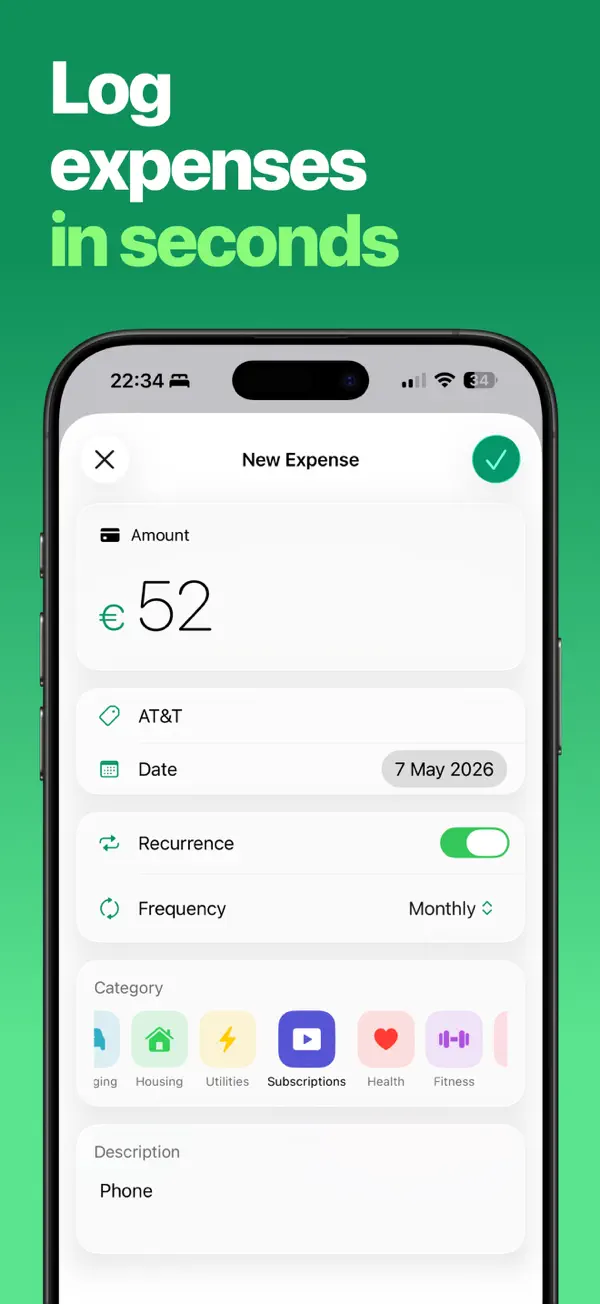
  • Amount, date, category, note and wallet: an expense is added in seconds.

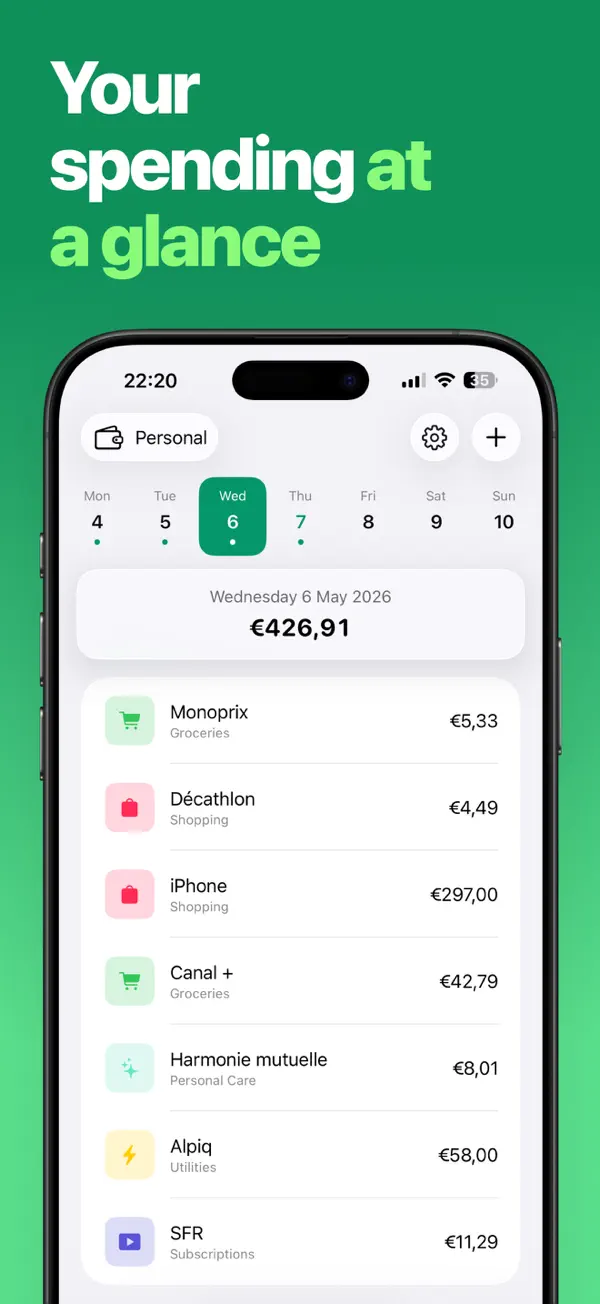
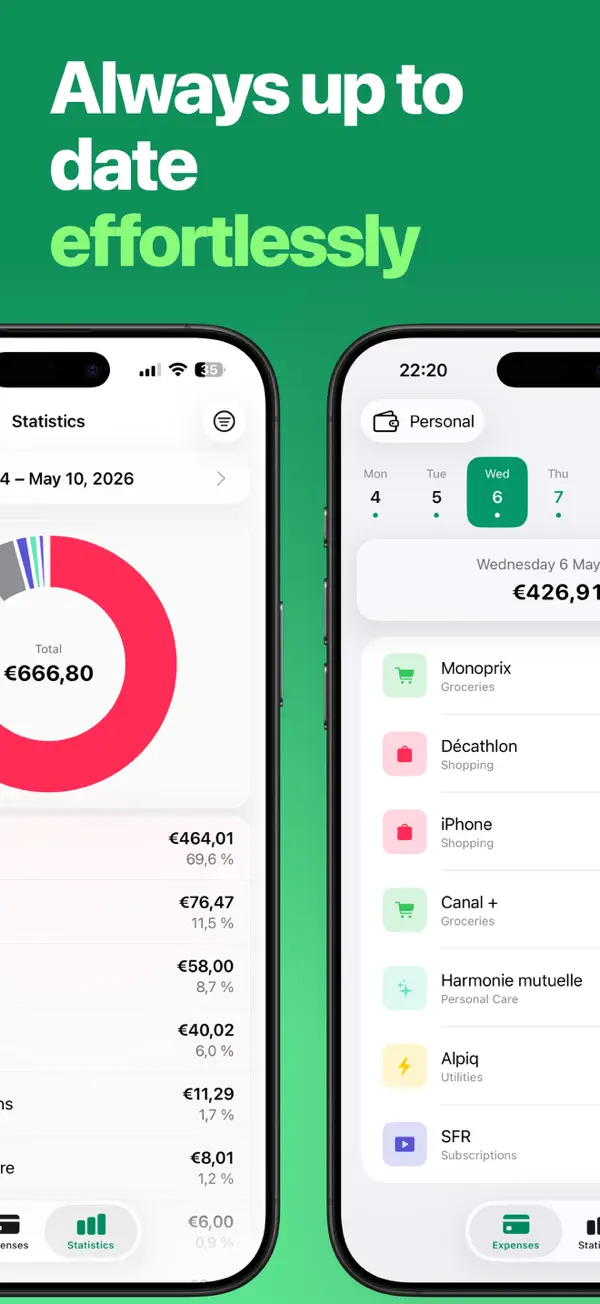
  • Browse your spending day by day, with a total for each day.

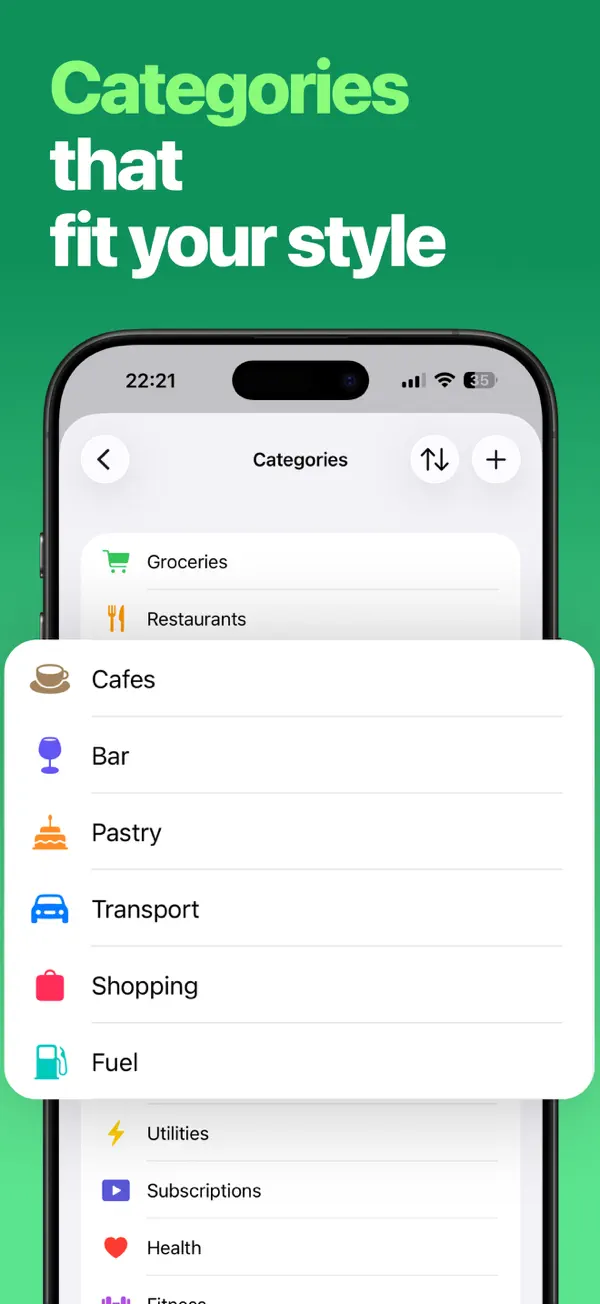
  • Keep the built-in categories or create your own, with an icon and a color.

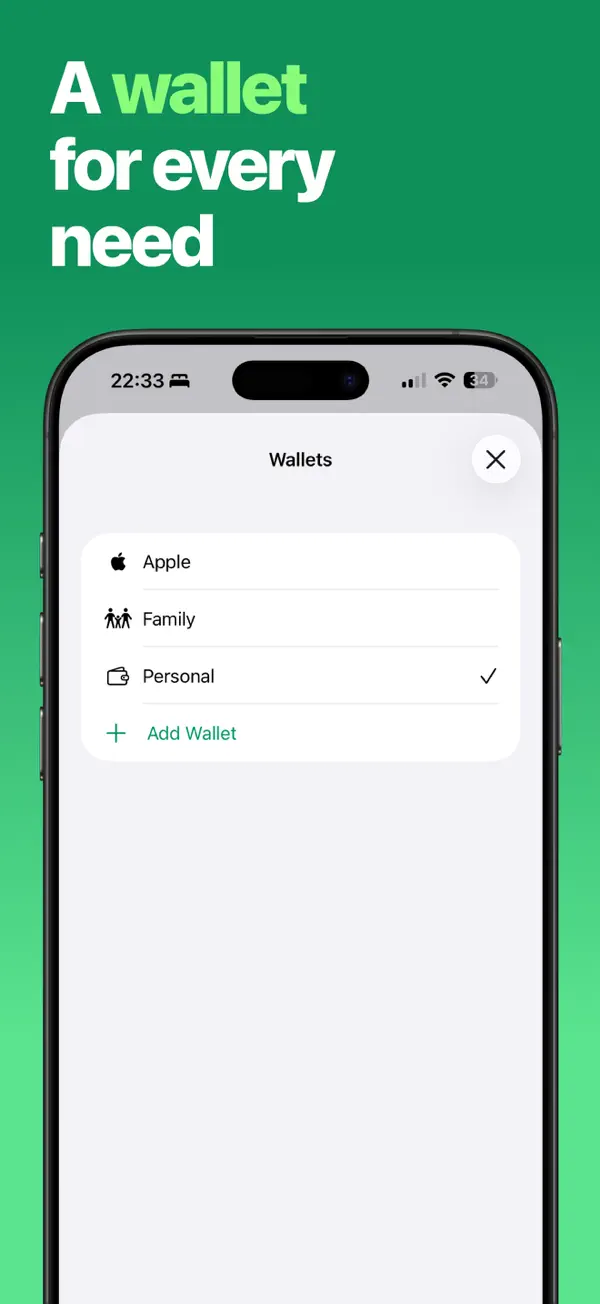
  • Separate accounts, cards, trips or currencies: each wallet has its own currency.

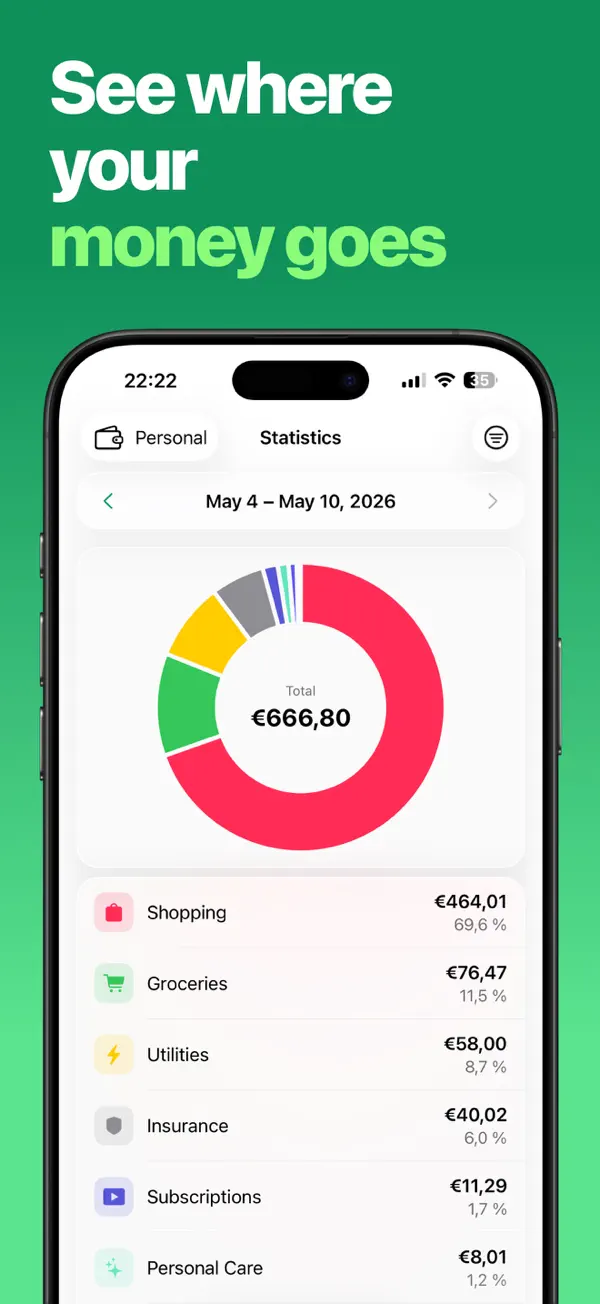
  • Review your spending by week, month or year, with a breakdown by category.

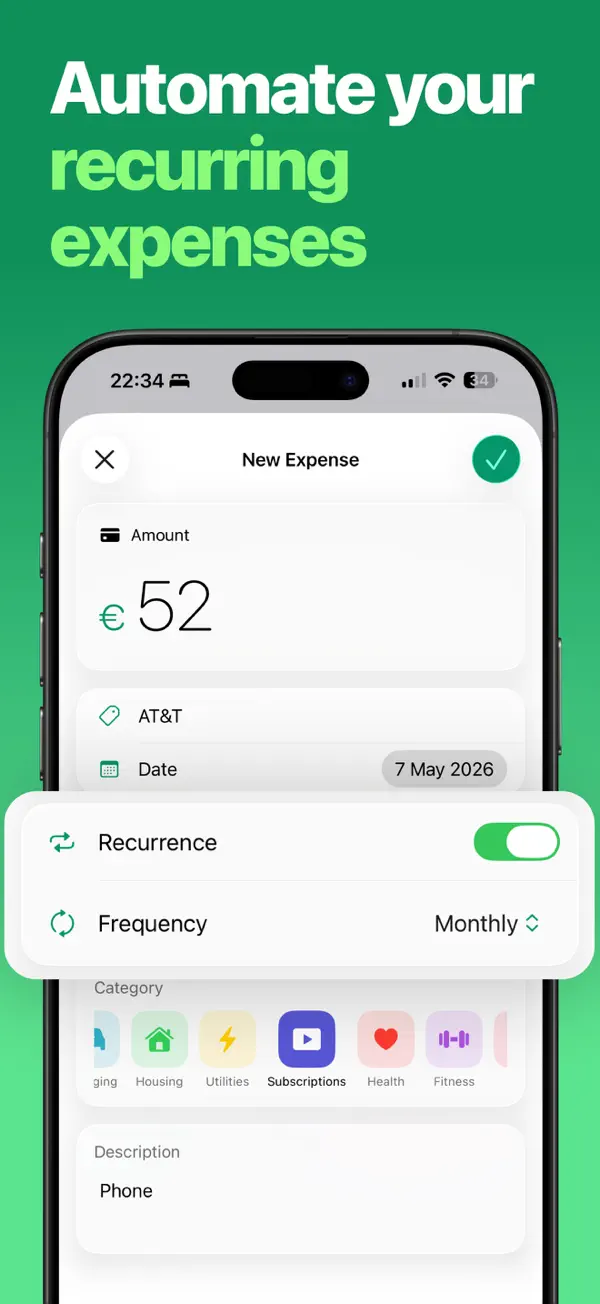
  • Subscriptions, rent, bills: automate what comes back every month.

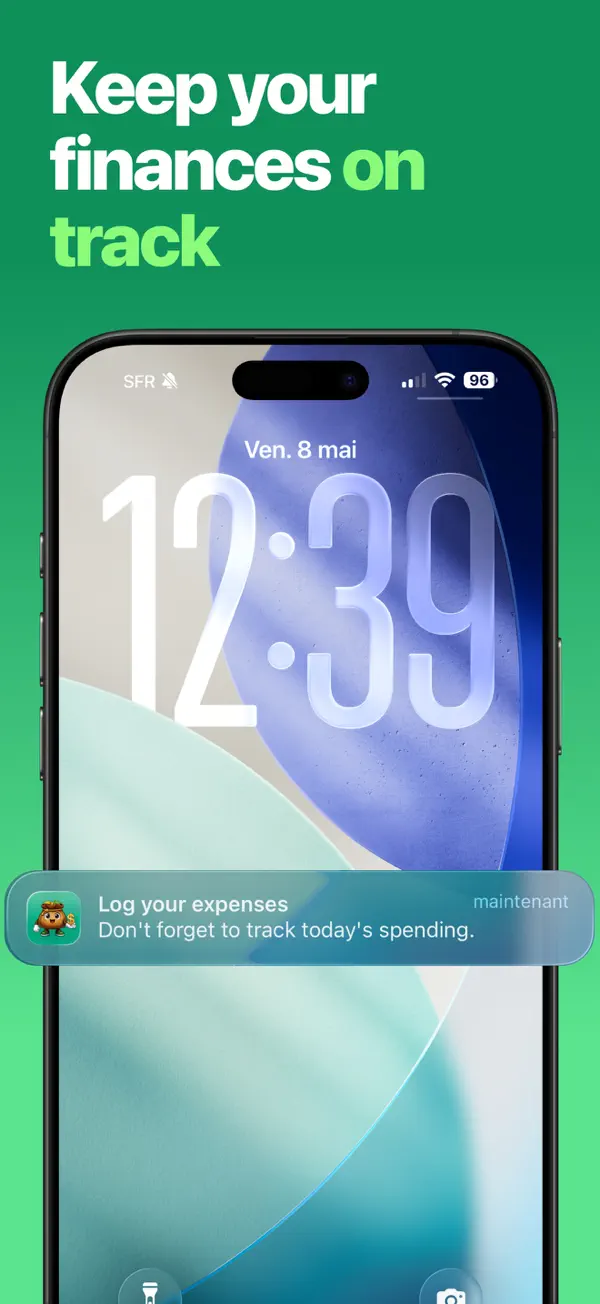
  • A gentle notification so you never forget to log the day’s spending.

  • Keep your data up to date across your Apple devices, through your own iCloud.

Budgy screenshot: Quick entryBudgy screenshot: Spending calendarBudgy screenshot: Custom categoriesBudgy screenshot: Multiple walletsBudgy screenshot: Clear statisticsBudgy screenshot: Recurring expensesBudgy screenshot: Daily reminderBudgy screenshot: iCloud sync

How it works

Ready in three steps.

  1. 1

    Log

    An expense in a few seconds.

  2. 2

    Sort

    By category and by wallet.

  3. 3

    Understand

    Where your money goes, at a glance.

Reviews

Rated 5.0 out of 5.

Excerpts from reviews posted on the App Store.

5.0

3 ratings

  • The best budget app

    “Easy to use and beautiful. A nice change from other apps.”

    DomBook78 · Translated from French

  • Wonderfully simple

    “The app is great. I was tired of budget apps that felt old and impractical. Budgy solves that nicely. Can’t wait to see what’s next.”

    SgrGhost78 · Translated from French

Pricing

Free to get started.

Free

Budgy

  • Expenses and categories
  • One wallet
  • Weekly statistics
  • Daily reminder

Subscription

Budgy Premium

  • Unlimited wallets and currencies
  • Monthly and yearly statistics
  • Recurring expenses
  • iCloud sync

The price is shown in the app before any purchase and depends on your country.

Privacy

Data Not Collected.

Privacy label shown on the App Store

Budgy does not collect any personal data that identifies you. Everything you enter stays on your device, or in your own iCloud account if you turn on sync. Only the information needed for in-app purchases is processed, anonymously, by Apple and RevenueCat.

  • No account
  • No ads
  • No tracking
  • Data on your device
  • Sync via your iCloud
Read the privacy policy

What’s new

Version 1.1.0

May 19, 2026

This update includes performance improvements and several fixes to make Budgy even smoother to use.

View on the App Store

FAQ

You might be wondering…

Is Budgy free?

Yes, the core of expense tracking is free. Budgy Premium, available as a subscription, adds multiple wallets, monthly and yearly statistics, recurring expenses and iCloud sync.

Is my financial data shared?

No. Your expenses are stored on your iPhone and, if you turn on sync, in your own iCloud account. They are never sent to us.

Does Budgy connect to my bank?

No. Budgy never asks for bank access: you stay in control of what you enter.

How do I cancel my subscription?

On your iPhone, open Settings › [your name] › Subscriptions, then choose Budgy. Your subscription stays active until the end of the current period.

Which devices are supported?

iPhone, running iOS 26 or later.

Another question? Visit the support page

Budgy

Ready to try Budgy?

Free on the App Store, for iPhone.

Download on the App Store